HOW PAYMENTS FIT TOGETHER
From shopping basket to payment reconciliation.
Treat the till, terminal, receipt and end-of-day close as parts of one transaction, using connections that suit your payment setup.
Explore payment workflows
POS & checkout
Intuitive POS workflows, flexible payment methods and digital receipts. An interface that fits the way you sell.


A LOOK AT THE INTERFACE
Items, customer accounts and receipt functions are available in the same workflow. The screen shows an example till configuration.
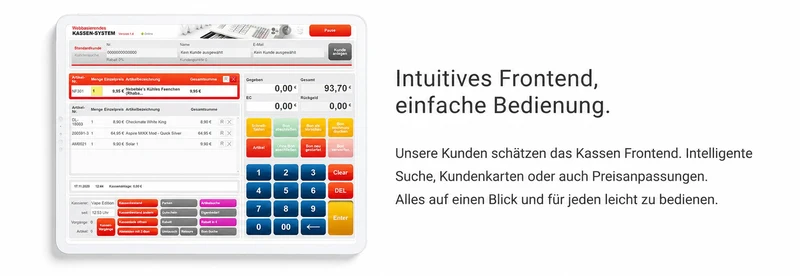
Use a scanner, item search or scales.
Apply the loyalty card and any benefits.
Use the configured payment method.
Complete the transaction and pass it on for processing.
ScaIF · PTB-CERTIFIED SCALE INTEGRATION
Fruit, vegetables and other loose goods can be included in a digital purchase. ScaIF connects certified weighing with the cloud POS so customers can receive a digital receipt even when their basket includes weighed items.
In the documented process, the weighing ticket is printed and handed to the customer. HANDELSFAKTOR can then provide the sales receipt digitally. The scale, software version and receipt process must match the certified configuration.
HOW YOUR TILL WORKS
From the first item to the receipt, your team can access the functions they need within the sale. We tailor buttons, roles and workflows to your store.
CUSTOMER COMMUNICATION AT CHECKOUT
Your next opportunity to reach customers is right across the till. Combine purchase information with relevant offers and easy access to the digital receipt.
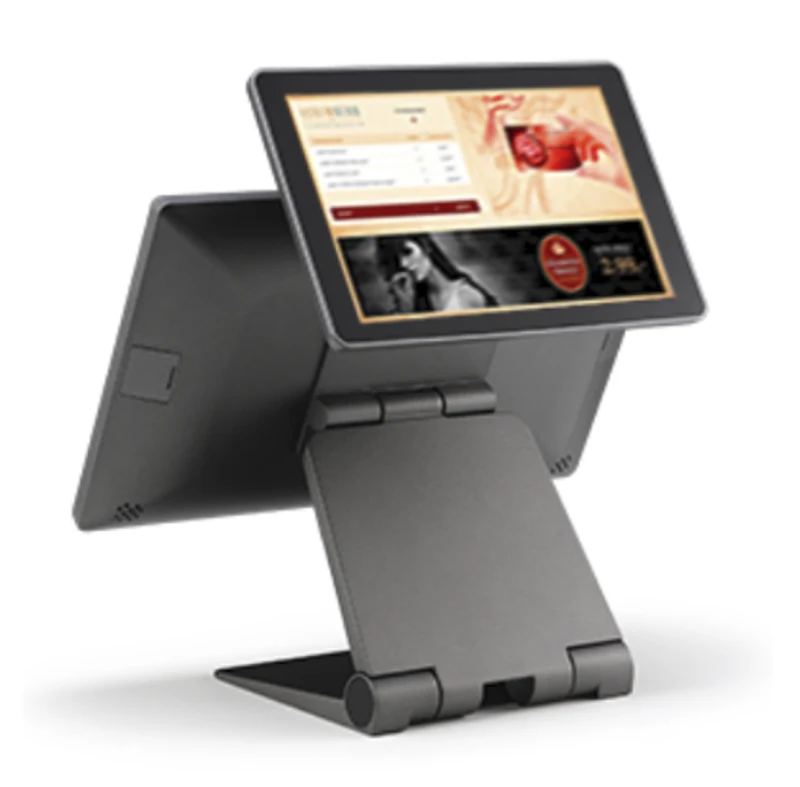
Show items, prices and discount details on the customer display.
Add product information, advertising and video to the customer view to suit your display configuration.
Scan the QR code on the customer display with a smartphone to open the digital receipt.
HOW PAYMENTS FIT TOGETHER
Treat the till, terminal, receipt and end-of-day close as parts of one transaction, using connections that suit your payment setup.
Explore payment workflowsIN EVERYDAY USE
The point of sale is where products, shoppers and staff meet. HANDELSFAKTOR brings the information they need into one configurable interface, from the first item to the final receipt.
Barcodes, QR codes, item search and quick keys help staff find the right item. Product groups and screens can be tailored to your range and workflows.
Suspend a sale, void line items, handle returns and grant discounts: permissions determine which actions each employee can perform.
Payment methods, terminal integration and receipts are all part of checkout. The basket, payment and final transaction stay linked.
Loyalty cards, vouchers, rewards programmes and the customer display complement the sale. We combine the appropriate features to suit your business.
A local offline version is available for compatible Windows configurations. We check during the project which functions and external services can be used during an interruption.
The scanner, receipt printer, cash drawer, payment terminal and scales form part of the checkout workstation. We check whether your existing devices are suitable.
HOW IT FITS TOGETHER
Scan or look up products and capture quantities and weight where applicable.
Apply customer accounts, pricing rules, vouchers and authorised discounts.
Process payment and provide the receipt through the configured output channel.
Process sales, stock movements and till closing data centrally.
A RETAIL EXAMPLE
A customer redeems a voucher, buys weighed goods and wants to return an item. Staff need clear steps and the right permissions. In a demo, we can use your products and rules to walk through situations like these.
Discuss your use case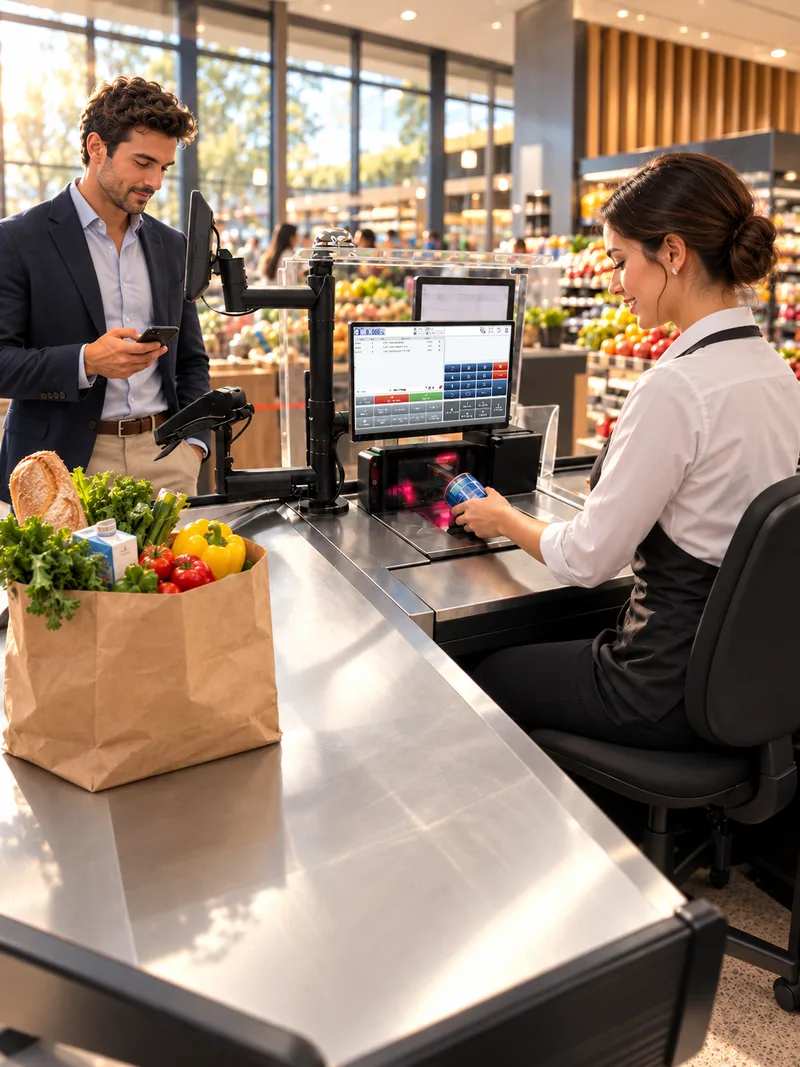

OUR PRODUCTS
Offer deals, rewards and receipts on the device your customers use every day. The customer app links digital touchpoints with in-store shopping.
FINANCE & CLOSINGCash movements, daily closing and subsequent accounting belong together. The cashbook helps you handle these processes systematically.
CERTIFIED SCALE INTEGRATIONOur PTB-certified scales integration connects the sale of loose goods to HANDELSFAKTOR. The separate weighing process enables a digital receipt even for purchases that include weighed items.
YOUR QUESTIONS
RELATED POS MODULES
A packaged item, a drink with a deposit and an item already weighed can all be in the same basket. The till processes the relevant attributes before issuing the receipt.
THE NEXT STEP
Tell us what you need. We will show you what HANDELSFAKTOR can do for your retail business.
Request a demoAre you planning to switch systems?