HOW PAYMENTS FIT TOGETHER
From shopping basket to payment reconciliation.
Treat the till, terminal, receipt and end-of-day close as parts of one transaction, using connections that suit your payment setup.
Explore payment workflows
Self-checkout
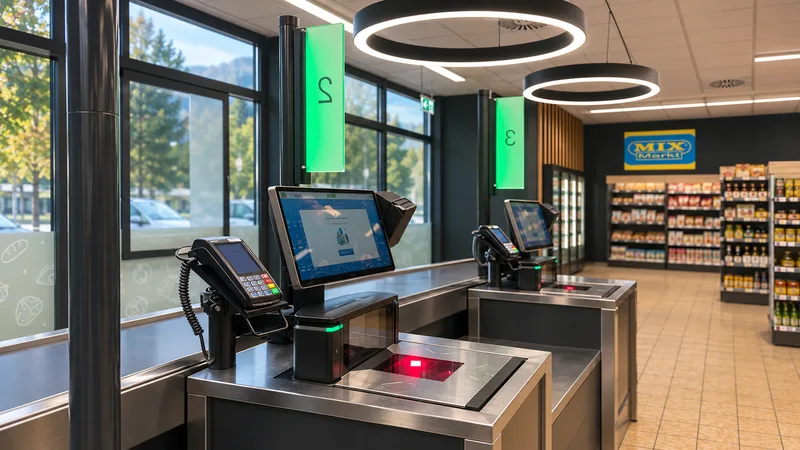
Add self-checkout alongside staffed tills. The modular solution fits into your processes and existing systems.

HOW SELF-CHECKOUT WORKS
The self-checkout guides shoppers through the configured steps. Checks and approvals depend on the requirements of your sector.
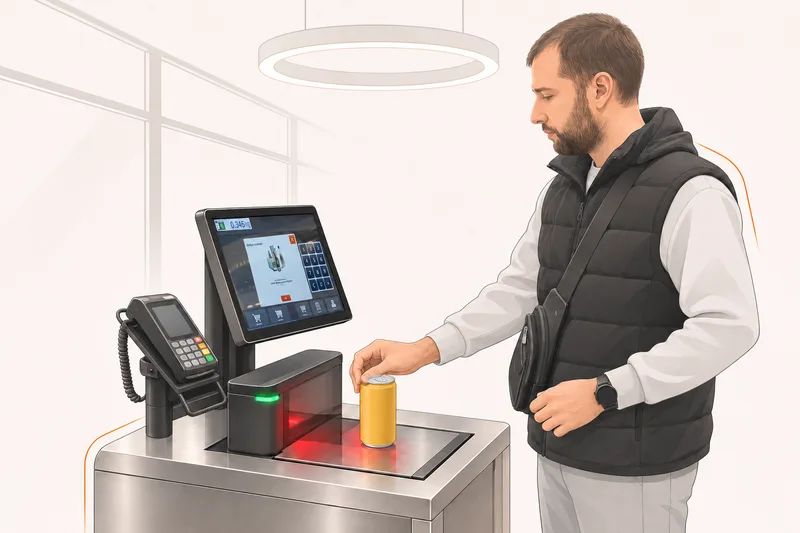
Scan items yourself.
Check the basket and any approvals needed.
Complete the purchase using the designated payment method.
Complete the purchase by issuing a receipt.
HOW PAYMENTS FIT TOGETHER
Treat the till, terminal, receipt and end-of-day close as parts of one transaction, using connections that suit your payment setup.
Explore payment workflowsIN EVERYDAY USE
Self-checkout offers an alternative to staffed checkout. What matters is how the user interface, devices, payments and the retail processes behind them work together.
Staffed and self-service checkouts can operate side by side. Customer traffic, the product range and the space available determine the layout.
The same platform manages the range, prices and promotions, keeping checkout connected to stock and store management.
The interface guides users through scanning items, checking the basket and completing the purchase. The configuration depends on the devices and shopping scenarios.
The workflow accounts for age checks and other transactions that need assistance. The operating plan sets out the team's responsibilities.
We coordinate scanners, payment terminals, printing and, where needed, scales. We select devices to meet the requirements at each site.
Monitoring and service processes support daily operations. NENGŌ adds visibility across tills, devices and connected infrastructure.
HOW IT FITS TOGETHER
Review the product range, customer routes through the store and staff responsibilities.
Choose the interface, devices, payment methods and authorisations.
Run through typical purchases and exceptions with the team.
Make service, monitoring and extensions part of daily operations.
A RETAIL EXAMPLE
A store wants to offer more checkout options. Both types of checkout should use the same product and stock data. A pilot shows which transactions customers can complete themselves and where staff need to help.
Discuss your use case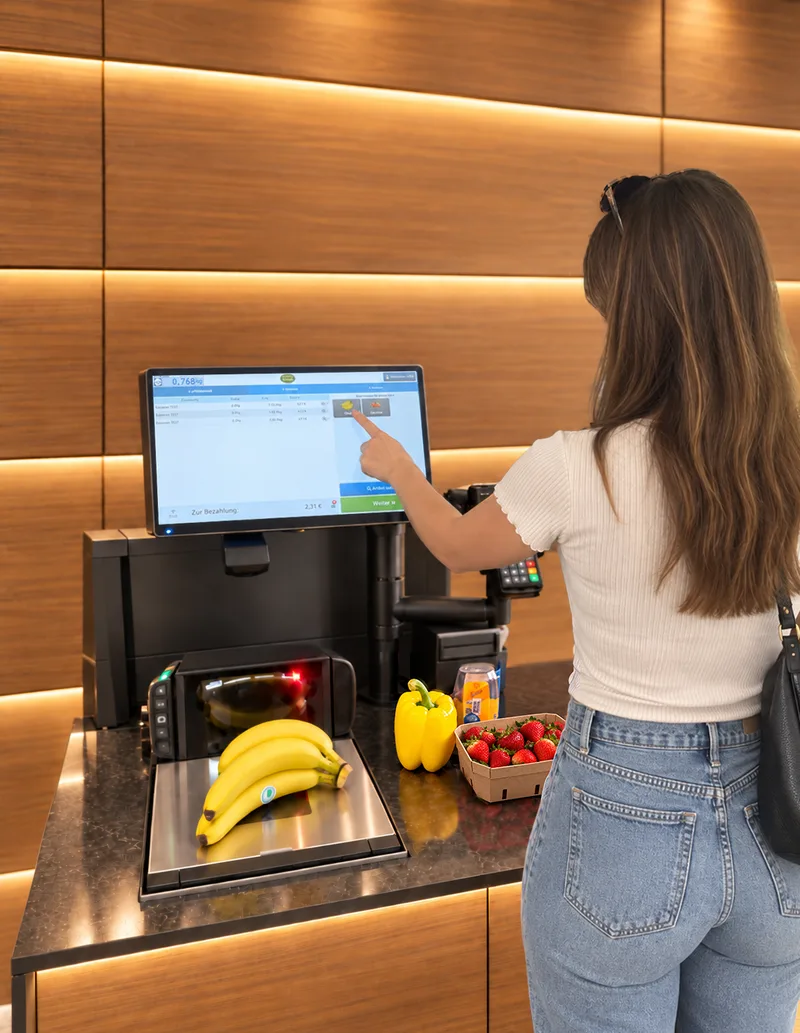
OUR PRODUCTS
Offer deals, rewards and receipts on the device your customers use every day. The customer app links digital touchpoints with in-store shopping.
CERTIFIED SCALE INTEGRATIONOur PTB-certified scales integration connects the sale of loose goods to HANDELSFAKTOR. The separate weighing process enables a digital receipt even for purchases that include weighed items.
INFRASTRUCTURE & OPERATIONSNENGŌ records and monitors the entire POS infrastructure. It brings together PCs, POS systems, networks, printers and connected peripherals across locations for monitoring, servicing and controlled interventions.
YOUR QUESTIONS
RELATED POS MODULES
Customers scan their own shopping. The next step must remain clear when an item needs approval, when paying and when obtaining a receipt.
THE NEXT STEP
Tell us what you need. We will show you what HANDELSFAKTOR can do for your retail business.
Request a demoAre you planning to switch systems?