ScaIF for grocery checkout
With PTB-certified scale integration and digital receipts even for weighed items, ScaIF connects weighed goods to your cloud POS system. Barcodes, item search and deposit handling complement the checkout process.

Grocery retail edition
From loose apples to items with a deposit: the scanner till links sales and inventory in grocery retail. With ScaIF, customers can receive digital till receipts even for weighed items.
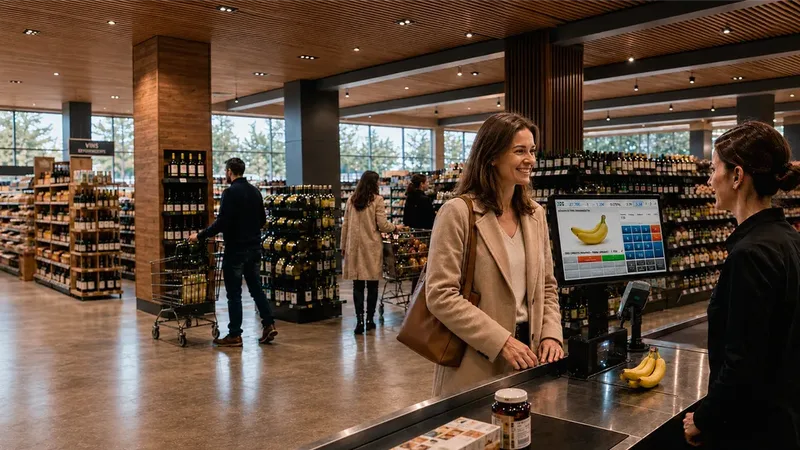

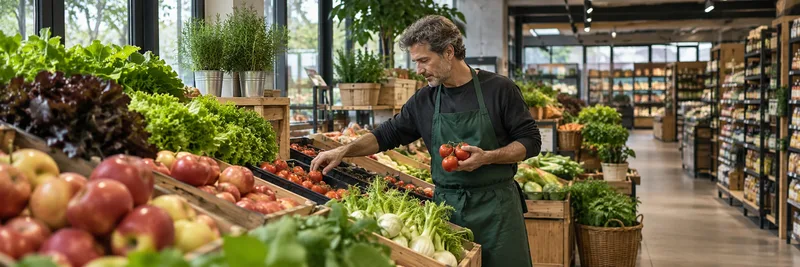
On the shop floor. Close to your customers.
ScaIF · PTB-CERTIFIED SCALE INTEGRATION
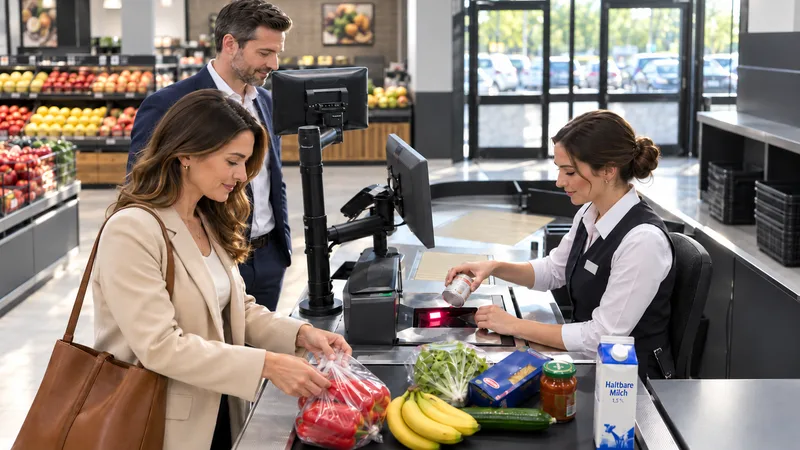
Fruit, vegetables and other loose goods can be included in a digital purchase. ScaIF connects certified weighing with the cloud POS so customers can receive a digital receipt even when their basket includes weighed items.
In the documented process, the weighing ticket is printed and handed to the customer. HANDELSFAKTOR can then provide the sales receipt digitally. The scale, software version and receipt process must match the certified configuration.
TAILORED TO YOUR SECTOR
Grocery retail combines high transaction volumes, weighed goods, deposits and large product ranges. The grocery edition brings these requirements together with stock management, customer loyalty and central control.
With PTB-certified scale integration and digital receipts even for weighed items, ScaIF connects weighed goods to your cloud POS system. Barcodes, item search and deposit handling complement the checkout process.
Electronic ordering, goods receipt and stocktaking support the daily flow of goods. Stores and head office work with the same data. We can connect your wholesalers and suppliers via CSV/FTP or REST APIs.
Prices, limited-time offers and loyalty programmes can be connected to checkout. The customer display and app provide additional ways to reach shoppers.
Staffed and self-service checkouts can be combined to suit store size, range and customer traffic.
A CONNECTED VIEW OF EVERYDAY RETAIL
Eight stages show how the solutions work together in grocery retail. Select a step to follow the goods, stock levels, prices and sales data through to replenishment.
STEP 01 · Purchase order
Sales, stock and outstanding orders inform the suggested order. Your team checks it and submits the quantities using the designated supplier connection.
The purchase order provides the reference for the expected delivery.
The purchase order provides the reference for the expected delivery.
Explore the ordering systemChecked goods receipts provide a basis for managing stock.
Explore POS AIThe item and its location provide the link between stock availability, shelf price and sale.
Explore store inventory managementThe shelf and till are part of the same pricing process.
Explore electronic shelf labelsThe basket determines the amount due and links the payment to the purchase.
Explore POS & checkoutSales, payments and receipts remain traceable for reconciliation.
Explore payment workflowsSales trends and stock levels help you plan replenishment.
Explore reportsOnce your team approves the replenishment order planned with agAIn, the next stock cycle begins.
Explore agAInAn example of the end-to-end process. We agree which systems own the data, how it is exchanged and who approves each step for your store. The images you can enlarge show existing software configurations with sample data.
PROMOTIONS & PRICING RULES
Choose quantity breaks, customer group discounts or coupons to suit your range and loyalty programme.
AN EXAMPLE IN PRACTICE
Quantity-based pricing rewards larger purchases. You decide the quantity at which each price tier starts.
Explore volume pricingBuy 3 or more: €4.20 each
3 × €4.20 = €12.60Each example illustrates a single rule. Validity, exceptions and how multiple promotions interact are defined and tested for your configuration.
ELECTRONIC SHELF LABELS · ESL
Manage products and prices centrally and connect electronic shelf labels. Coordinate price changes, promotions and workflows across your stores.
Explore electronic shelf labelsEXAMPLE USE CASE
A delivery arrives in the morning, a promotion runs at midday and head office needs current sales and stock figures by the evening. The grocery edition connects these processes.

RELATED SOLUTIONS
Leading suppliers are already connected for this sector solution. Your edition includes the relevant links for purchasing and product data.
This sector solution includes a shared import facility for sector-specific products. You can use it to import relevant product data into your HANDELSFAKTOR edition.
YOUR QUESTIONS
THE NEXT STEP
Tell us what you need. We will show you what HANDELSFAKTOR can do for your retail business.
Request a demoAre you planning to switch systems?